Accessible PDFs When No Two Documents Look Alike
No two documents look alike
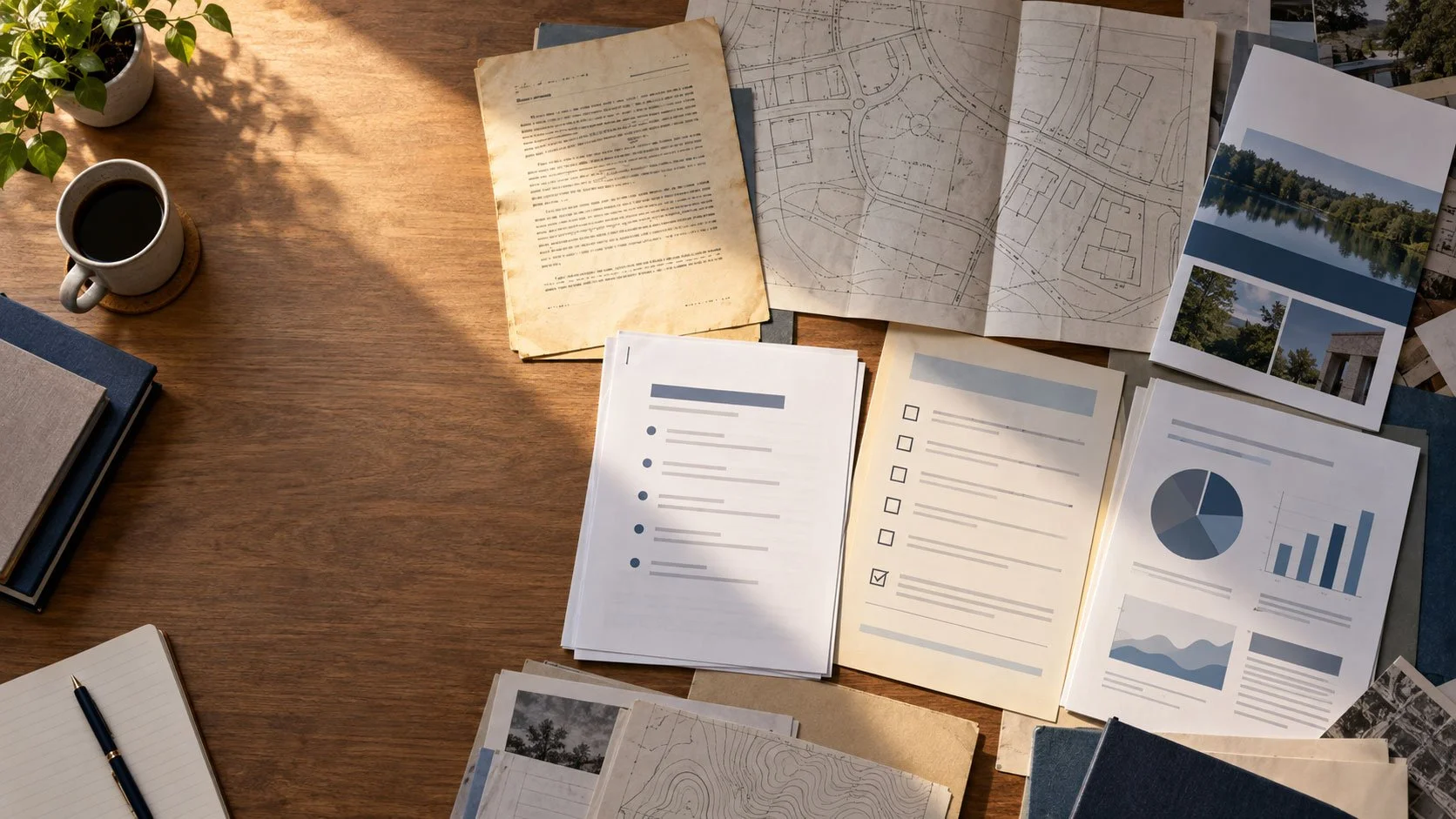
Ask a city clerk, a district communications director, or an agency webmaster where their PDFs come from, and the answer is rarely one system. Council minutes typed in a word processor over twenty years. Ordinances scanned from paper. Forms handed down from a state office. Board packets assembled from a dozen departments the night before a meeting. Recreation brochures built in design software. Reports exported from finance and permitting systems.
Each source produces a different kind of file, with different layouts, different fonts, and different levels of built-in structure. Some were created electronically. Many were digitized from paper and carry no structure at all.
That variety is the normal state of a public sector document inventory, and it shapes how accessibility work has to be planned.
Why templates only cover part of the problem
Some documents do repeat. A monthly financial report or a recurring notice may follow the same layout every time, and a template-based approach can handle those efficiently.
The trouble is everything else. Most of what a public organization publishes does not share a layout, a source application, or a consistent structure. An accessibility plan built around standardized output handles the easy slice and leaves staff with a second, harder backlog: the documents that do not fit the template.
For an IT director, the practical question is not whether a tool can remediate one clean PDF. It is whether the approach holds up across a large, constantly changing mix of documents that no one designed to be consistent.
Where the friction builds
Remediation approaches that depend on uniform input tend to create extra steps whenever a document does not match. Common ones include:
- Sorting documents by hand before processing can begin
- Separate upload and download steps outside the systems staff already use
- Heavy review and correction after remediation
- Human intervention on a large share of documents
- A separate accessibility queue that sits apart from where the document was created
Each handoff adds time. Each exception is another item waiting in line. When departments are busy, those small delays add up to a backlog that grows faster than it shrinks, and the documents residents need most are the ones left waiting.
Scanned and historical documents deserve their own attention
Scanned pages are a large part of many public inventories: older minutes, resolutions, plats, permits, and records converted from paper years ago. A scan is a picture of a page. Until it is remediated, a screen reader has nothing to read.
Accessibility on Demand is the right answer for both current and historical documents. For current and active documents, remediation is about compliance. For historical and back-file records, it is a low-cost way to be ready when someone asks for an accessible version, so staff can respond quickly rather than scrambling.
Some content is outside what automated tagging can reliably handle, including handwriting, scanned maps, and complex diagrams. Knowing where those documents sit in your inventory early makes planning more realistic.
What to ask before choosing an approach
A few questions reveal how well any approach will fit your organization's document mix:
- How many PDFs does the organization publish or receive each month?
- How many different sources and formats do they come from?
- How much manual sorting would be needed before remediation could start?
- How much review and correction would remain afterward?
- Can the work happen without adding a new set of steps for already busy staff?
The more varied the answers, the more it matters that remediation handles documents as they actually arrive.
How AoD fits a varied inventory
AoD is built for accessibility tagging at scale, and it does not rely on documents sharing a template. This is a job AI is well suited to: accessibility tagging follows published rules, and applying those rules consistently across a varied mix of documents is where automation outperforms manual effort.
AoD converts PDFs into accessible documents in minutes, and AoD reports that its platform reduces processing time by 10X. The AoD platform is used by 2,000+ public sector and commercial customers.
The cost comparison matters for any backlog. Manual remediation typically runs $8 to $25 per page for standard documents and $50 to $100 per page for fillable forms. AoD at Level 2 costs $1.80 per page, and Level 2 handles tables, images, and fillable forms.
Most important, the result is permanent. AoD produces remediated source files your organization owns outright, with no overlay or subscription needed to keep them accessible. A remediated file stays accessible when it is downloaded, printed, emailed, or moved to a new website.
Start with a sample of your own documents
The fastest way to understand your inventory is to look at a few real examples. RDS offers a free assessment of two to four of your documents and a clear picture of what remediation would involve across your backlog.